Pebble App and Developer Transition Updates

Into the Future
In the months since our last community update, we’ve been setting the table for the Pebble ecosystem’s next major transition. We’re working hard to make sure Pebble users can keep enjoying their smartwatch experience for as long as possible. We’re happy to share the progress made so far with Pebblers today as a part of our continuing efforts to honor Pebble's legacy, ecosystem, and functionality.
The Pebble App: Updated for iOS + Android
Today’s updates to the Pebble apps for iOS and Android liberate them from past dependency on cloud services. Freeing the ecosystem from these dependencies means Pebble smartwatches can operate normally, even if online servers are not accessible for any reason.
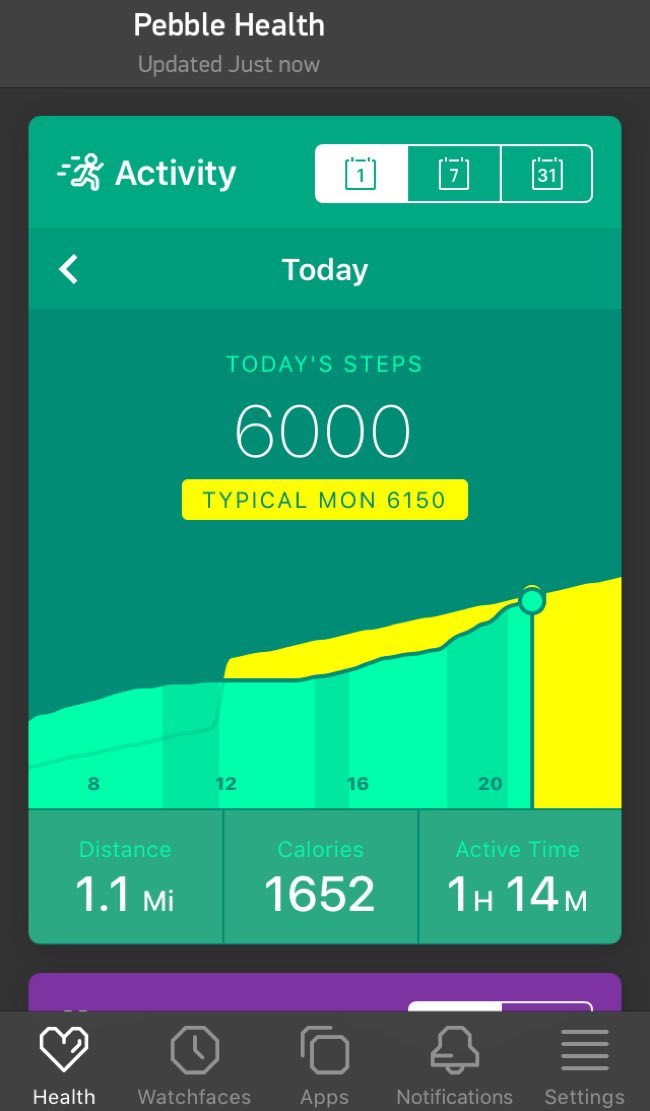
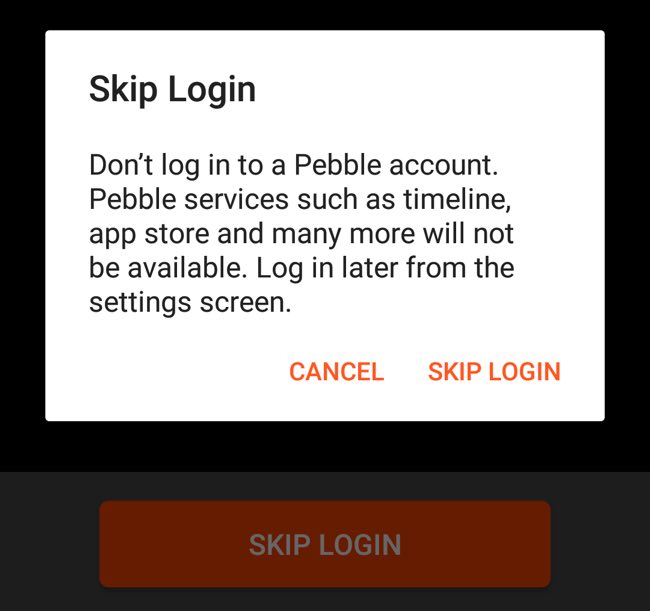
For example, if a Pebble authentication server can’t be reached, the mobile apps will let Pebble devices keep working. The login process can be skipped, apps can be side-loaded, and the latest watch firmware (including language packs) can be installed.
iOS users can update their Pebble app from the iTunes App Store. Android users enrolled in the Pebble beta program can download the update from our beta channel. The updated Android app will be publicly available on the Google Play Store soon after the beta channel release, so hang tight!
Full release notes can be found below.
User Account Tokens
We recently deprecated the getAccountToken() API, and are discouraging
developers from relying on it for a consistently-generated unique account token.
While the API continues to work normally for most users, it will return a random (and very likely unique) value for users skipping the Pebble app’s login process. When this happens, the account token value should remain constant (yay!), until the user either re-installs the Pebble app or switches to a different smartphone (danger zone!).
Authentication issues are likely to arise in the latter scenario described above
with continued use of the getAccountToken() API. For example, a user who
re-installs her Pebble app and skips the login process will generate a different
account token value than before, causing problems validating her user account
with any watchapps purchased from third parties like
KiezelPay. Restoring a purchased license for a
third-party watchapp would then require re-validating the new account token
with the third-party service.
New Options for Community Developers
Today’s updates also include three new options for Pebble developers to integrate their efforts into the official Pebble mobile app:
Offline Mode
Using the link pebble://custom-boot-config-url/offline will enable Offline
Mode, which prevents the mobile app from attempting to communicate with any
Pebble cloud services.
Default Mode
Using the link pebble://custom-boot-config-url/default restores the default
Online Mode.
Custom Boot Config
The link pebble://custom-boot-config-url/CUSTOM_URL forces the Pebble mobile
app to load its service configuration from the specified CUSTOM_URL. The
mobile application will periodically check the CUSTOM_URL for configuration
updates.
You can view the default service configuration files for iOS and Android.
Developers should note that we recently added a new "weather" property (containing a "url" property). The variable identifies which server to ask for weather data (used for Pins and the Weather app). If a server is not specified within the property, the Weather app will disappear from the on-watch Launcher menu.
We look forward to sharing more news with the community as our work progresses. If you have any questions or problems, post the details on the Pebble Dev Forum or on Discord.
Until next time,
Jon Barlow + Team Fitbit
Release Notes
Pebble App for iPhone 4.4 Release Notes
If Pebble's authentication servers can't be reached, users can skip the login process, but the Pebble appstore will not be available. Apps can only be installed via side-loading if this occurs.
If Pebble's update servers can't be reached, the app will be able to install the latest compatible firmware for the paired device, plus the relevant language packs.
We removed the option to Contact Support but users can still export diagnostic data (including the Health database) by tapping Share Diagnostics.
Health data collection and various telemetry reporting has been removed.
The option to suggest new features has been removed.
Fixed a bug which would “crown” your first day of step counts, even if no activity was recorded yet.
Developers can now side-load a service configuration to change which servers the Pebble app communicates with.
The Developer menu is now easier to find within the new Settings tab.
Turning on Health synchronization in Settings now writes heart rate data to Apple’s Health app.
Fixed a crash that occurred when configuration pages attempted to open an image picker using HTML5 file input.
Fixed a crash that occurred when Rocky.js apps used Clay configuration pages.
Download 4.4 from the iTunes App Store.
Pebble App for Android 4.4 Release Notes
If Pebble's authentication servers can't be reached, users can skip the login process, but the Pebble appstore will not be available.Apps can only be installed via side-loading if this occurs.
If Pebble's update servers can't be reached, the app will be able to install the latest compatible firmware for the paired device, plus the relevant language packs.
We removed the option to Contact Support but users can still use the functionality to export diagnostic data (including the Health database).
Health data collection and various telemetry reporting has been removed.
The option to suggest new features has been removed.
Fixed a bug which would “crown” your first day of step counts, even if no activity was recorded yet.
Developers can now side-load a service configuration to change which servers the Pebble app communicates with.
Download 4.4 from the Google Play Store.
Overview
- Into the Future
- The Pebble App: Updated for iOS + Android
- User Account Tokens
- New Options for Community Developers
- Offline Mode
- Default Mode
- Custom Boot Config
- Release Notes
- Pebble App for iPhone 4.4 Release Notes
- Pebble App for Android 4.4 Release Notes
Categories
- All Posts
- #makeawesomehappen
- At the Pub
- Beautiful Code
- CloudPebble
- Down the Rabbit Hole
- Freshly Baked
- Timeline